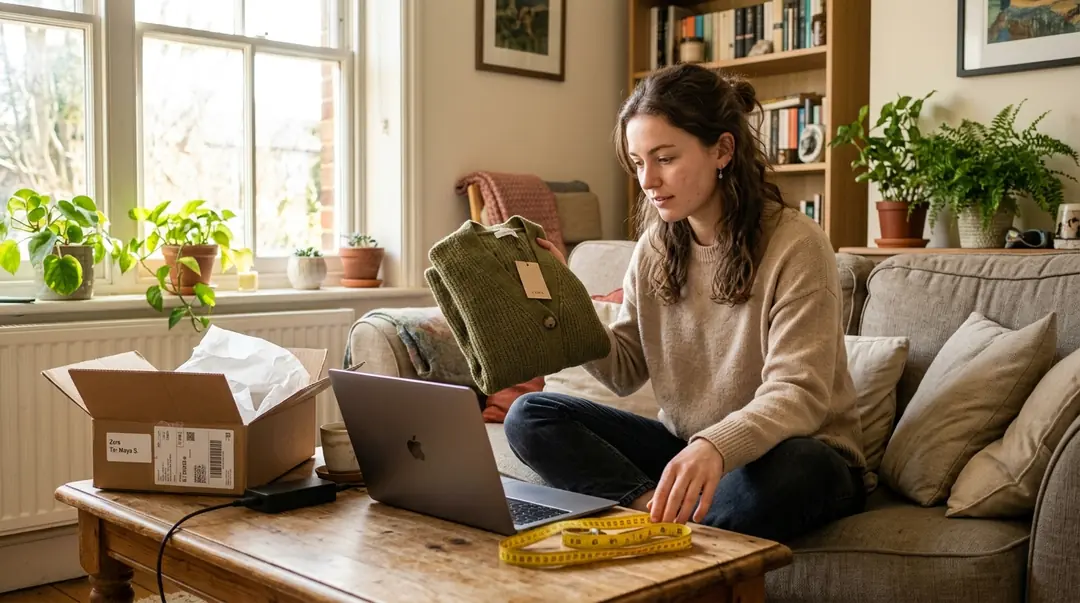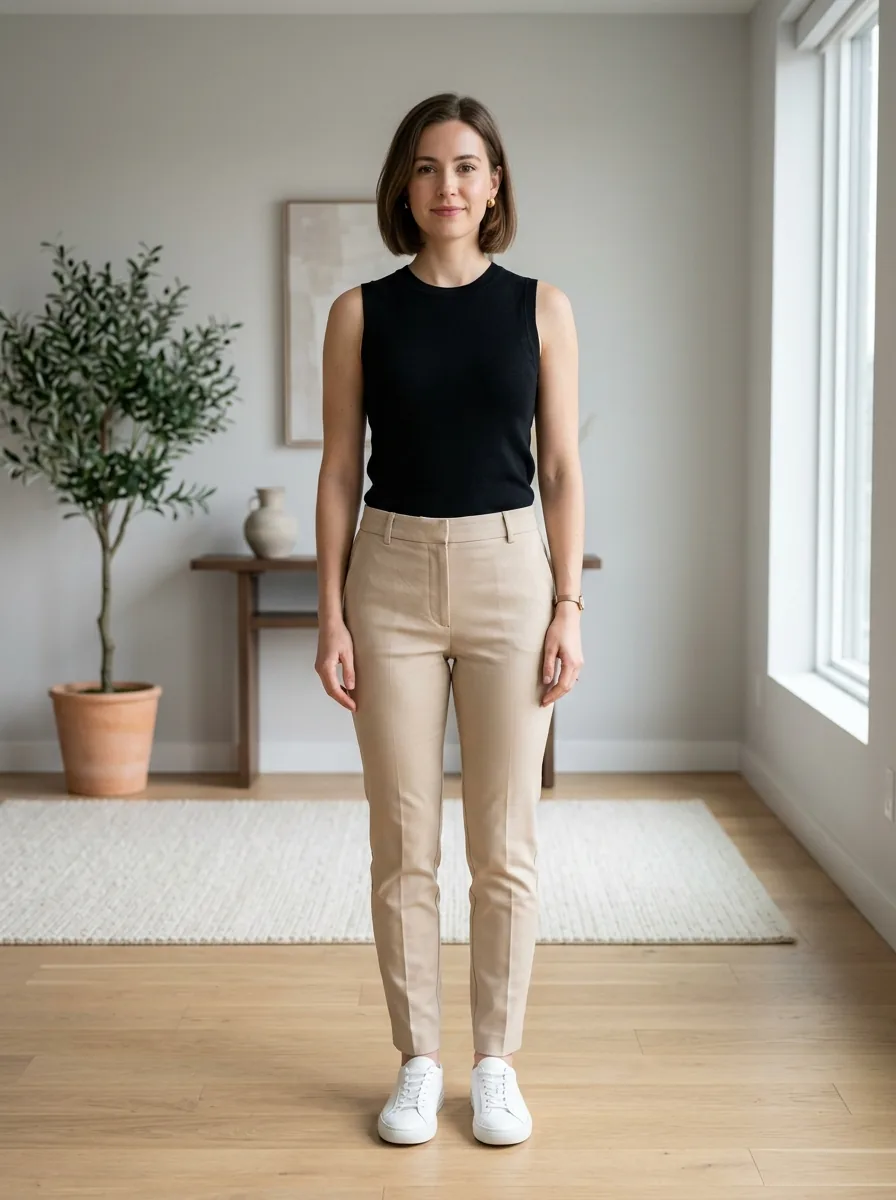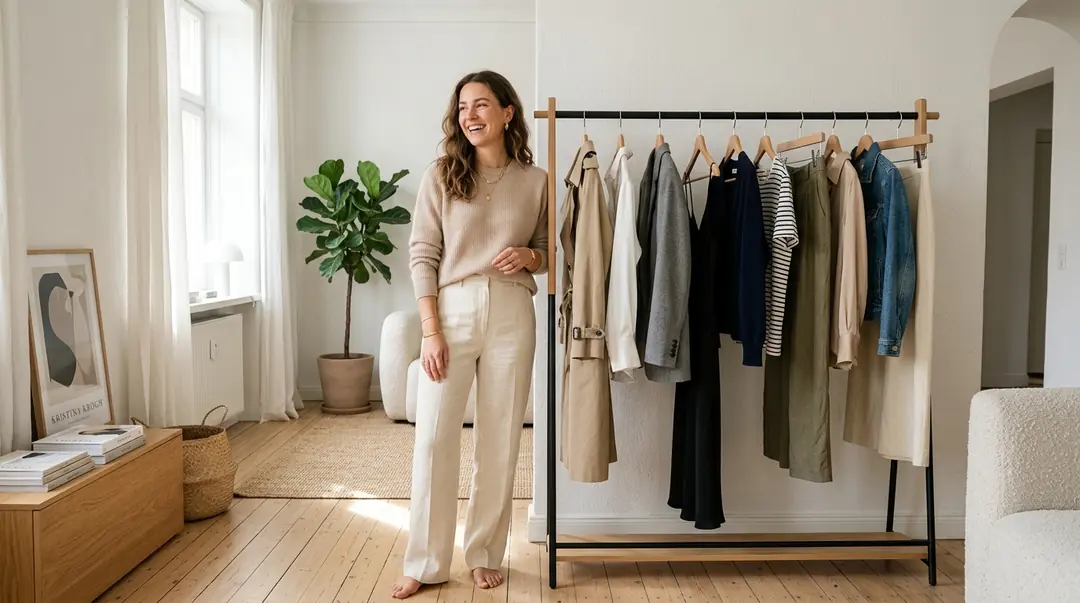
1. Compare outfits, not only retailer model photos
Considering a Zara dress, H&M shirt or Mango jacket? Compare colours and silhouettes on your photo, then check size separately.
Start with a specific comparison: a straight versus cropped jacket, or two dress colours. Use the same person photo for both previews. If a product shot includes several clothing layers, find a separate image of the intended garment so you know which item you are evaluating.
2. Prepare photos and start the preview
Build a shortlist around an occasion rather than adding random pieces. For an office outfit, contrast a structured blazer with a relaxed overshirt. For an evening event, compare sleeve coverage and skirt silhouette. Keep a note of the retailer, reference and colour for each candidate; similar-looking catalog photographs can otherwise become hard to distinguish.
An editorial photograph may show a jacket over a shirt, with accessories chosen by a stylist. Find a clean image of the garment you want to preview instead of assuming the entire styled combination is included. Buttons, lapels, cuffs and pockets should remain visible. Provide a separate person photograph to VirtuStyle; there is no need to change your body or undress.
3. Review the result before ordering
Use consistent inputs to make the comparison meaningful: the same pose, lighting and background for successive garments. Save your results and inspect them side by side. Concentrate on how a cropped layer changes the overall outline or how a contrasting colour interacts with your existing trousers. Do not interpret an invented accessory as part of a purchasable outfit.
After shortlisting, revisit each retailer’s current product page. Confirm the specified length, lining, care requirements and available sizes. Wrinkles and drape in a generated picture cannot establish how a jacket behaves when sitting or raising your arms. Check dimensions and, when possible, try the actual garment. These are independent outfit previews, not official Zara, H&M or Mango services; purchasing and returns remain with the retailer.
Frequently asked questions
Can I just paste a shop link?→
No. This workflow uses an uploaded garment image; automatic product-link import is not claimed here.
Can I select a size from the result?→
No. Use measurements and the specific item’s size chart.
Is this the retailer’s official try-on?→
No. VirtuStyle does not claim partnerships with the mentioned retailers. AI illustrations are not photos of their products.
What to remember
Prepare two files: a person photo and the selected garment image. AI try-on previews a look; it does not guarantee size or physical fit. VirtuStyle is independent; retailer mentions do not imply a partnership.