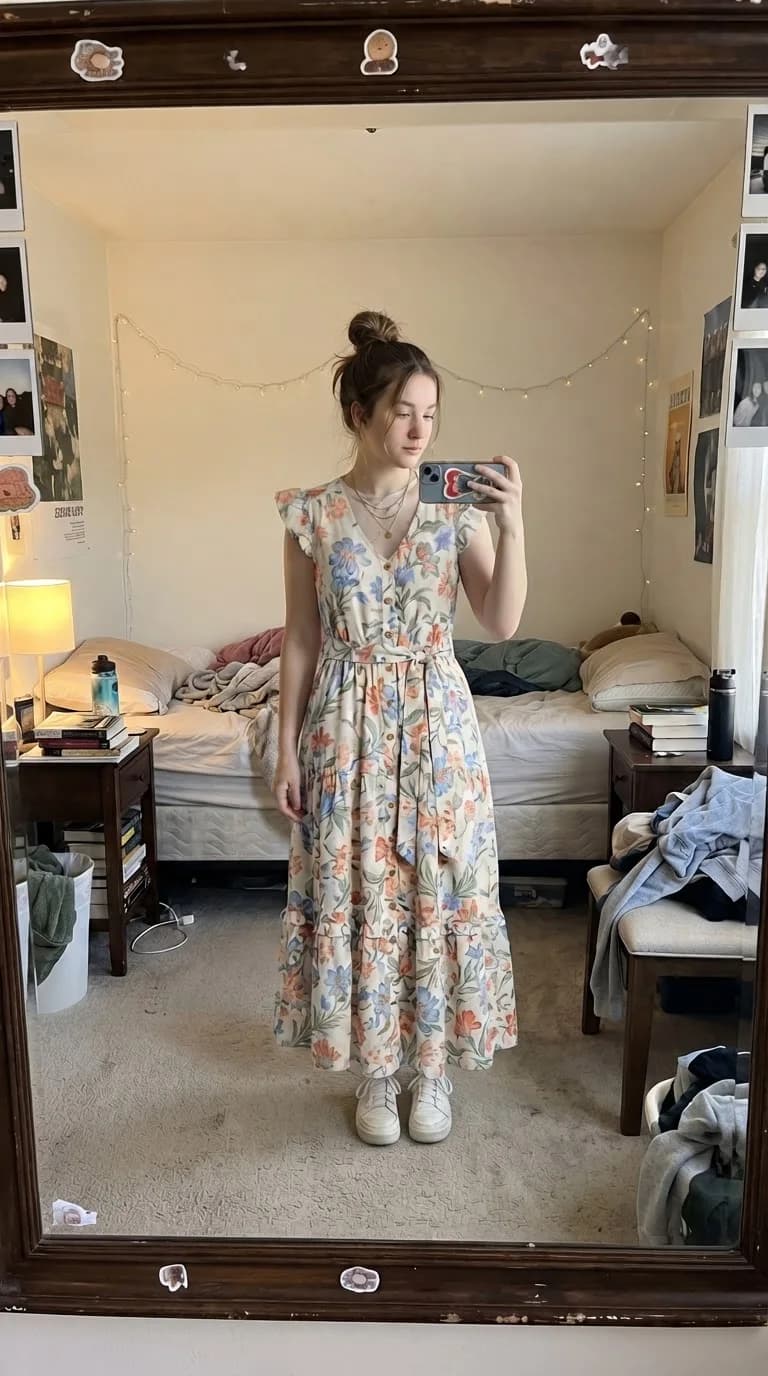
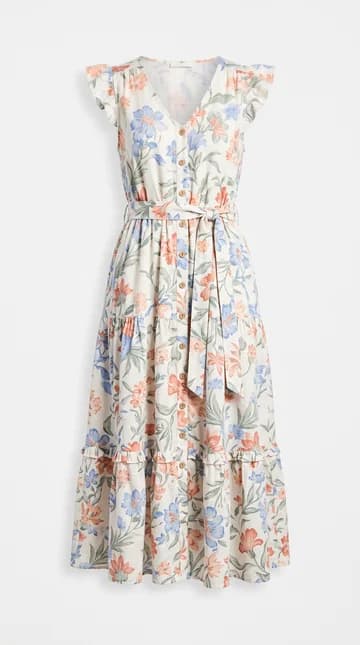
Floral dress — After
Floral dress
Try it for free1. Can a single photo tell you your size?
Not reliably with this tool. A photograph records appearance from one angle; it does not supply verified chest, waist or hip measurements. Perspective, pose, camera distance and the clothes you are already wearing can change the visible outline.
VirtuStyle AI generates an image of an outfit on your photo. It does not return centimetres, inches, a calibrated body scan or a recommended S, M or L. Do not use a realistic-looking result as proof of physical fit.
2. Choose a size using the product’s size guide
Open the size guide linked from the actual product page. Confirm whether it describes body measurements or the dimensions of the finished garment: these are different. Keep the units consistent when comparing centimetres and inches.
Follow the retailer’s measuring instructions. For a dress, these commonly include bust, waist and hips. For trousers, check the waist and inside leg; for a fitted jacket, look for chest and shoulder guidance. A size label alone is not enough to compare two brands.
- Record your measurements with a flexible tape.
- Check the specific brand and product chart, including petite, tall or other fit ranges.
- If measurements fall between sizes, follow the retailer’s advice or contact support.
- Review the fabric composition, stretch information and return conditions.
3. Prepare a useful photo for virtual try-on
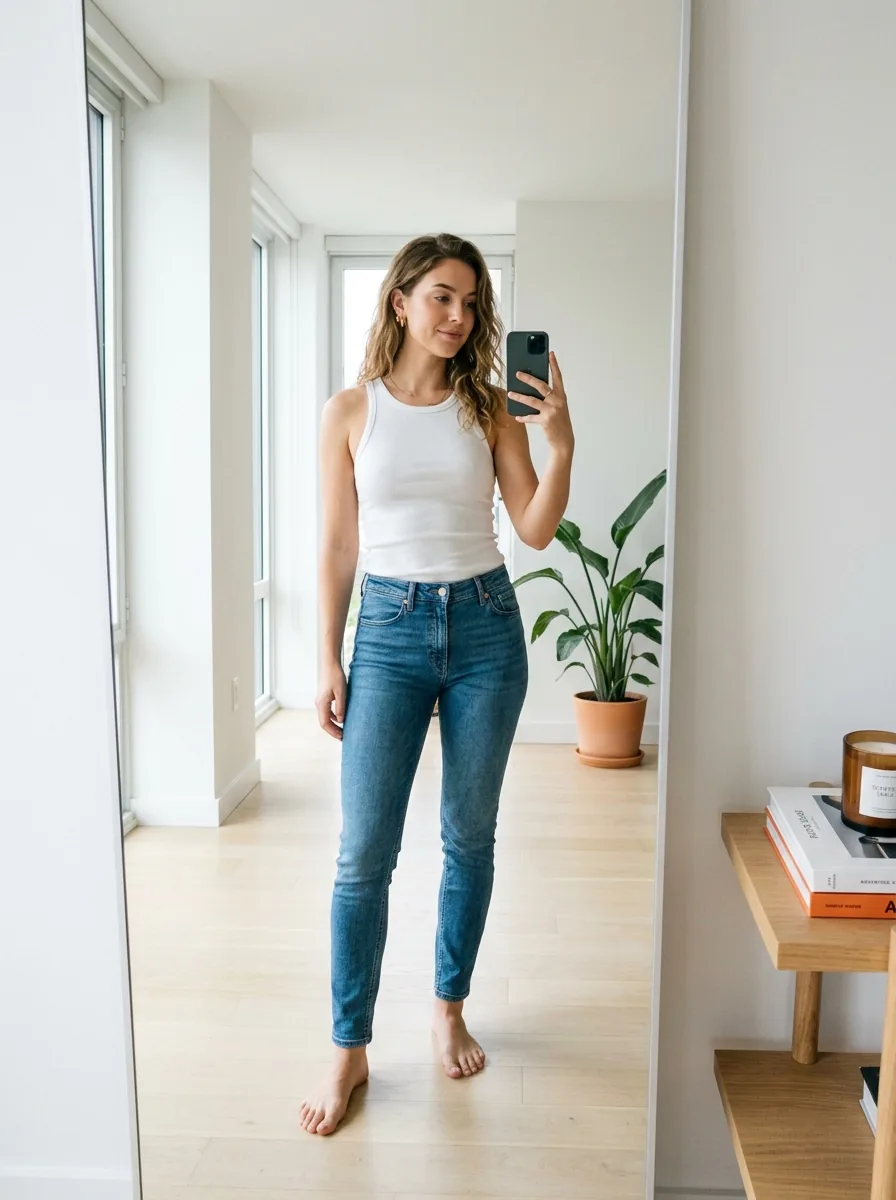
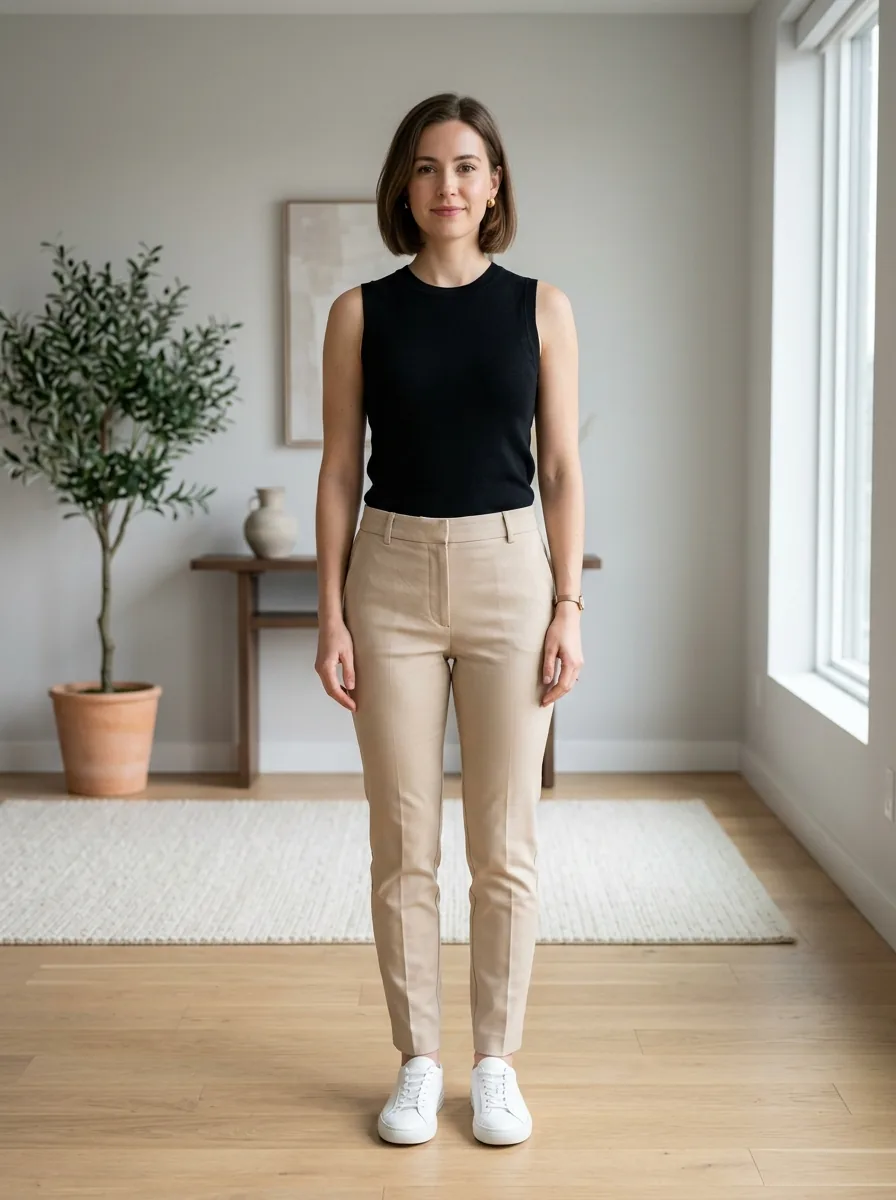
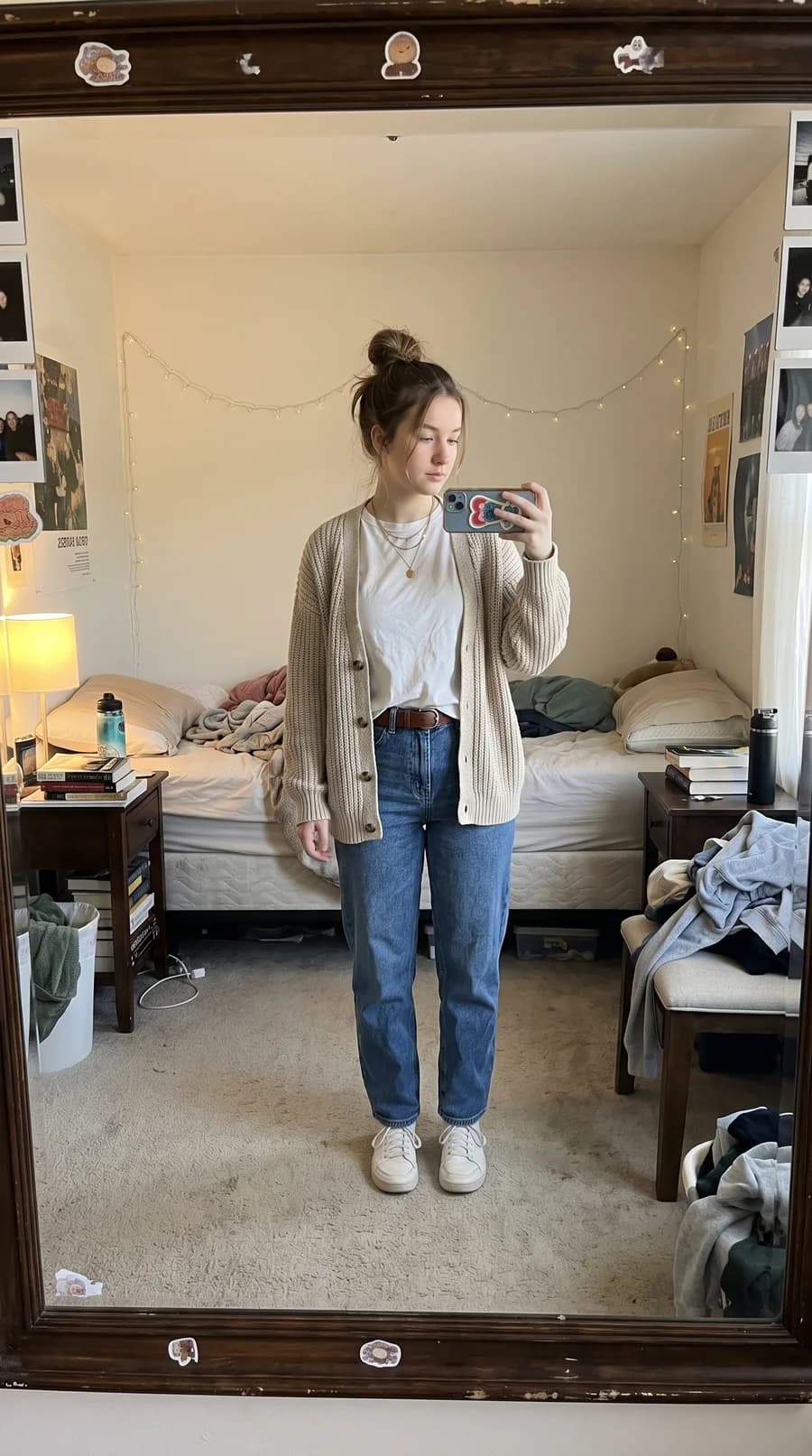
Use a clear standing photo in even light, with the area you want to dress visible. Keep the camera level and avoid close-up wide-angle shots. Leave space around your body so the image does not cut off the garment area.
Keep arms and objects from hiding the outfit area. Upload a separate, clear picture of the garment, preferably a front view. For trousers or a long dress, include your legs and feet. These steps help the visual preview; they do not turn it into a measuring instrument.
4. Compare style separately from size
Generate a preview of your first option, then compare another silhouette using the same person photo. This makes it easier to focus on the visual difference between a straight and flared skirt, a cropped and longer jacket, or two colour choices.
Look at the overall appearance, then compare the result with the original garment image. If straps, buttons, hemlines or patterns have changed, treat those details as unreliable. The image cannot tell you how fabric feels, whether you can sit comfortably, or how the garment moves.
5. A practical checklist before ordering
In the dress example on this page, switch between Before and After and compare the small garment photo with the generated outfit. Look at the neckline, sleeve shape, colour and hemline. This is a useful way to compare an outfit idea, but a similar-looking silhouette does not mean the model has selected the correct dress size.
Suppose you like a midi dress after seeing a virtual preview. Before ordering, check your measurements against its chart, read its stated length, inspect the fabric description and confirm the return policy. The preview helped you decide whether to explore the style; the product information helps you decide which size to order.
For a wedding dress, tailored suit or expensive non-returnable item, seek measurements and fitting advice from the seller or a tailor. A generated photo cannot replace a physical fitting or guarantee that alterations will be unnecessary.
Frequently asked questions
Can VirtuStyle AI calculate my waist or chest size?→
No. The service creates outfit images and does not provide verified body measurements.
Can I compare two clothing sizes with the same product photo?→
The image alone does not contain the actual dimensions of each size. A generated preview cannot reliably distinguish their physical fit.
What is virtual try-on useful for?→
Exploring colours, outfit combinations and the overall appearance of different styles on your photo.
What should I do if the result looks distorted?→
Use a clearer person photo with fewer obstructions and a front-facing garment image. If details remain inaccurate, rely on the original product information rather than the generated result.
What to remember
Use AI try-on to explore an outfit, measurements to select a size, and the retailer’s information to check practical details. Each step answers a different question.