1. Choose the exact item and colour
Found an item on AliExpress, Temu or SHEIN? Prepare its image and your photo to explore the look before ordering.
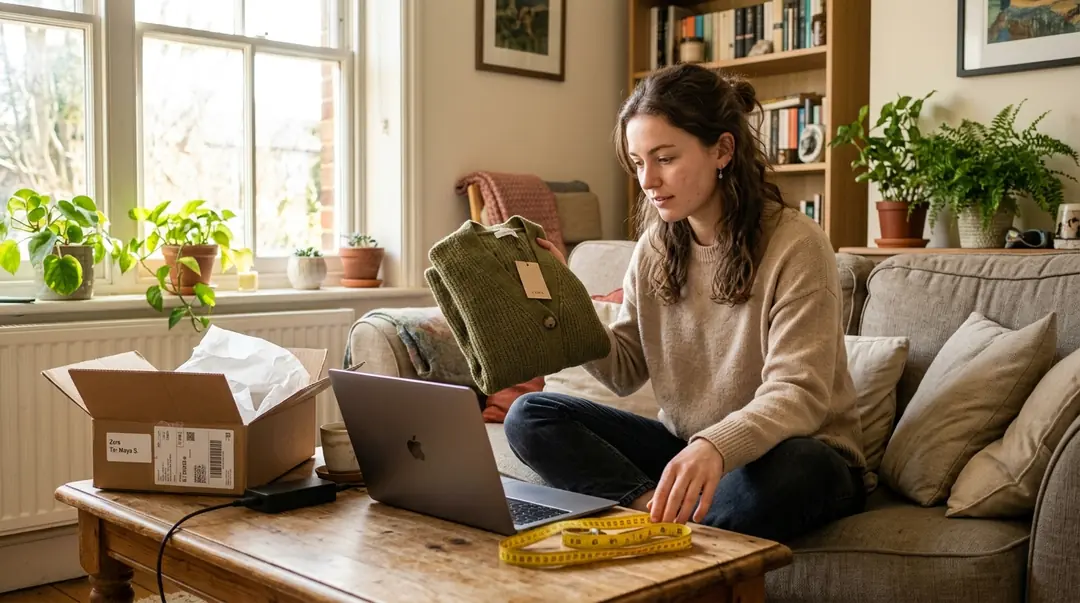
A marketplace listing may include several garments or colours. Confirm the selected variant: a red dress photo cannot tell you the construction or fabric of a blue option. Use a separate, clear image of the item that you have permission to use, not a collage of multiple products.
2. Prepare photos and start the preview
Marketplace listings need a little detective work. A thumbnail might advertise a bundle while the selected option contains only one piece. Read the option name, quantity and included components. Save the item reference alongside the preview so you can return to the right listing. A generated outfit does not verify the seller, delivery promise, authenticity or customer reviews.
Look through the gallery for a plain front view rather than a promotional collage. Remove unrelated interface text from your own screenshot without changing the garment. Avoid filters that recolour the fabric or promotional badges covering sleeves. Only use imagery you are entitled to upload. If obtaining a suitable file is not possible, choose another item rather than expecting a pasted URL to work.
3. Review the result before ordering
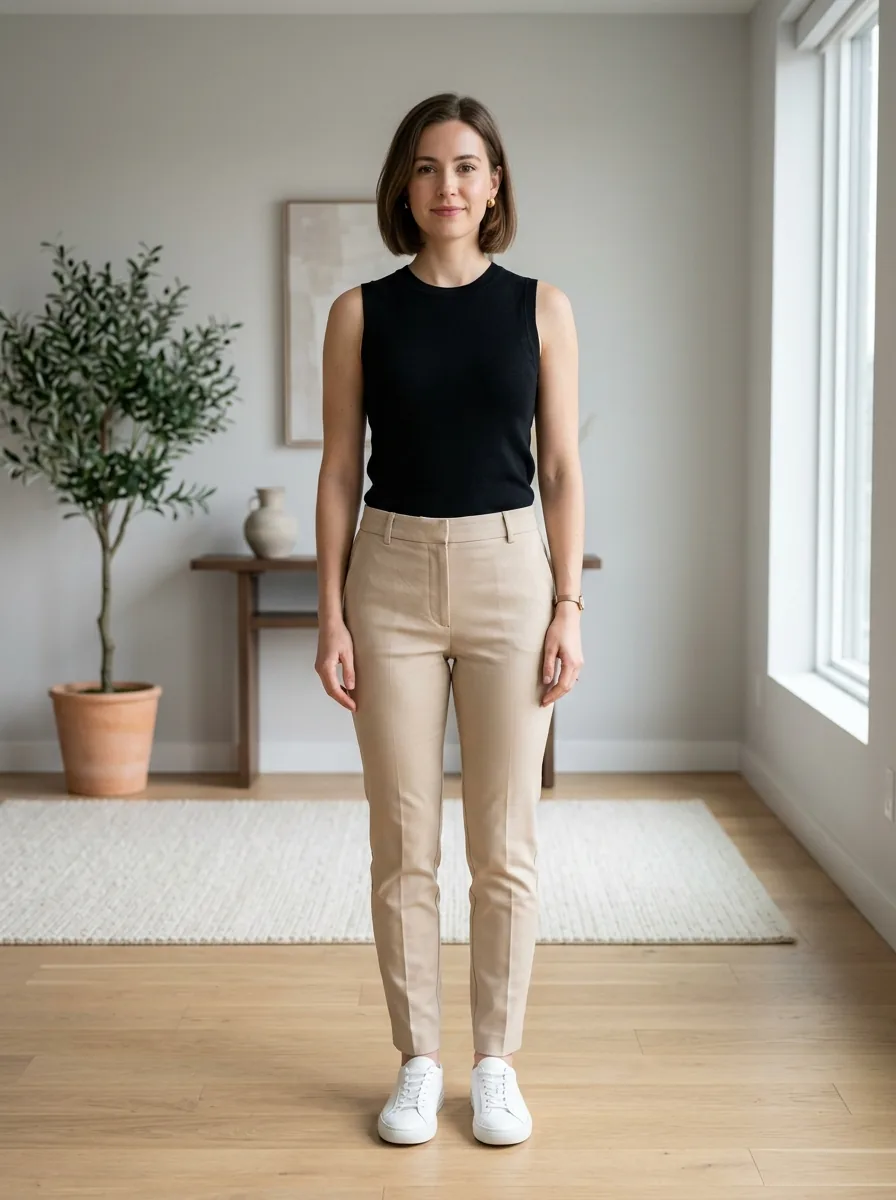
Open the fitting tool and provide your clothed standing picture plus the selected product image. Automatic clothing recognition removes the category-selection step; it does not inspect marketplace stock or determine which variant you intended. Keep the garment reference nearby and compare the generated neckline, print placement and hem against it.
Before checkout, verify the seller’s material description, delivery destination, total charge and item-specific return conditions. Read buyer comments critically: a different colour or production batch may not match your option. Consult the relevant measurement chart rather than treating the preview as an S/M/L recommendation. VirtuStyle operates independently of AliExpress, Temu and SHEIN; this guide describes a manual image-upload workflow, not a commercial integration.
Frequently asked questions
Can I just paste a shop link?→
No. This workflow uses an uploaded garment image; automatic product-link import is not claimed here.
Can I select a size from the result?→
No. Use measurements and the specific item’s size chart.
Is this the retailer’s official try-on?→
No. VirtuStyle does not claim partnerships with the mentioned retailers. AI illustrations are not photos of their products.
What to remember
Prepare two files: a person photo and the selected garment image. AI try-on previews a look; it does not guarantee size or physical fit. VirtuStyle is independent; retailer mentions do not imply a partnership.