1. What online underwear try-on can help you compare
A shop photo can make a set appealing while leaving questions about the colour, neckline or higher waistband. Online underwear try-on helps you explore those visual choices on your own photo. Use it to shortlist styles, not to approve a purchase based on a single generated image.
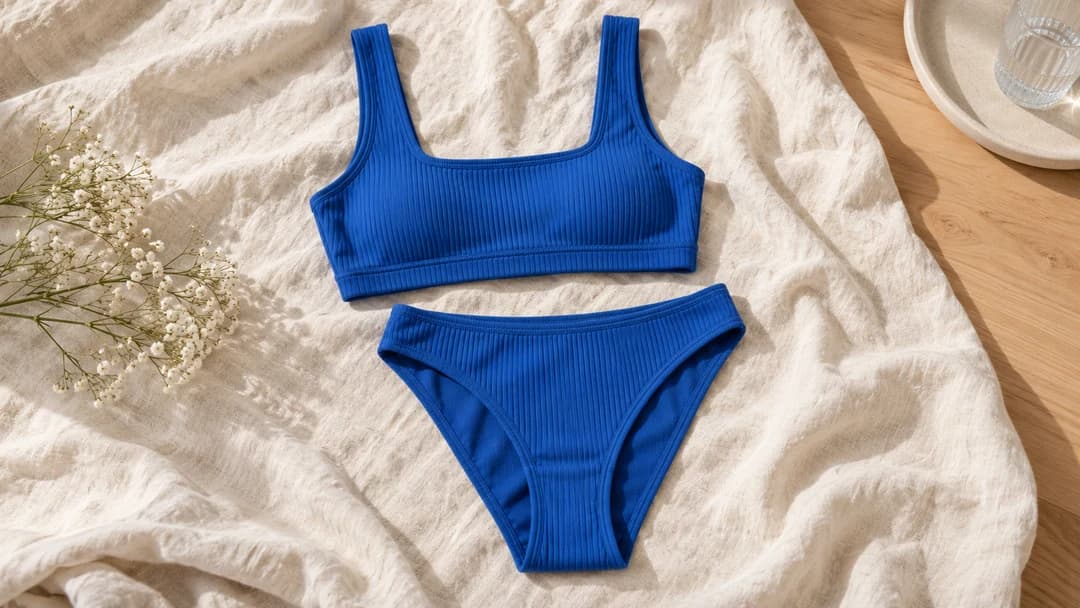
For example, compare a simple bralette with a different colour or neckline using the same person photo. Look at the overall proportions and appearance. This article’s cover is an AI-generated product illustration, not a particular brand’s product photograph or a virtual try-on result.
2. Prepare your photo and the garment image
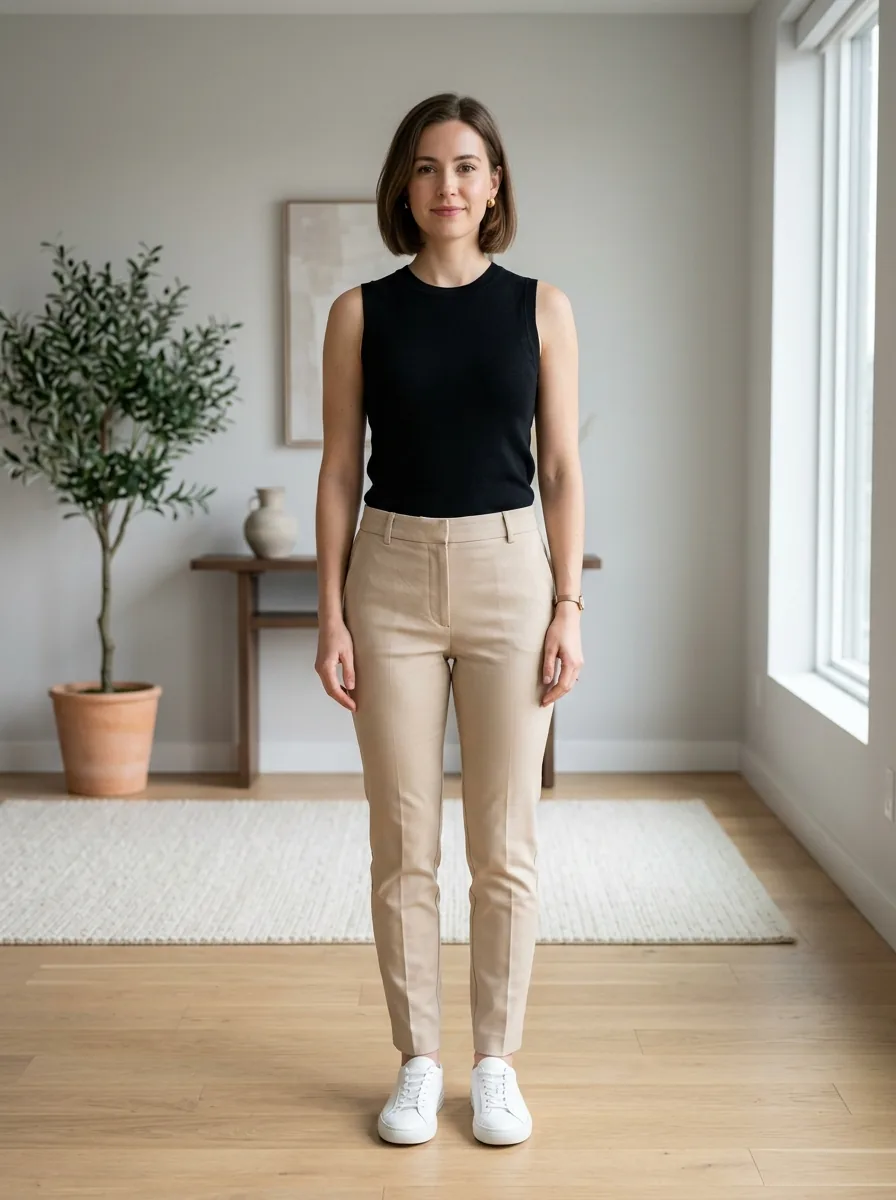
Choose a clear standing photo in even light. Wear opaque clothing and keep hands, phones and bags away from the fitting area. Include the whole area the set will cover. You do not need to undress: nude images are not suitable. Use your own photo or a photo of an adult who has permitted this processing.
Prepare a clear front view of the garment alone, without a person, such as a catalogue image you have permission to use. Straps, waistband and edges should be visible. Folded or partly hidden products provide less useful information. In the studio, choose Swimwear & Lingerie, add both images and start the preview.
3. Assess the preview without mistaking it for physical fit
Compare the generated image with the original product first. Check the cups, straps, waistband, neckline and colour. The model may invent details or change proportions. If the construction differs from the item, do not draw conclusions about that exact product: try a clearer image or return to the seller’s information.
Then consider the overall look. A higher waistband may look appealing without telling you whether it will feel tight. A convincing bra shape does not demonstrate breast support. The preview cannot show fabric feel, seam friction, performance during movement or whether the underwear will show through your clothes.
4. Check these details before ordering
Choose size using the specific brand’s chart and measuring instructions. Check the measurements required for the bra and the lower part of a set; the requirements may differ. Do not automatically transfer a familiar letter or number from another shop. Ask the seller or a fitting specialist when you fall between sizes or need support advice.
Before paying, read the fabric composition, construction, care instructions and return conditions for that item. Use only the image area needed for the preview and keep documents or personal details out of the background. Read the site’s Privacy Policy before uploading. Base the final purchase decision on product information, measurements and a physical fitting when available.
Frequently asked questions
Can I try on underwear online for free?→
After signing in, the Free plan includes one free try-on per day, shared across clothing categories. Underwear does not have a separate daily allowance. This category is available only to adults aged 18 and over.
Do I need to upload an unclothed photo?→
No. Use a photo of yourself in opaque clothing. Do not upload nude images; photos of children are not allowed for this category.
Can the service determine my cup or band size?→
No. VirtuStyle creates a visual preview, not verified measurements or a bra size recommendation.
Can the image verify support or comfort?→
No. A generated image cannot confirm these physical properties. Check construction with the seller and assess fit during a physical fitting.
What to remember
Use virtual try-on to narrow down styles and colours. Check size, support and comfort separately through measurements, seller information and a physical fitting. A promising image is a reason to explore a garment, not a guarantee of fit.